
Stop Autodarts Lens Errors Spoiling Your Practice Data
Use a 60-dart Lens audit to measure detection errors, correct false scores and keep Autodarts averages, checkout data and trends fit for comparison.
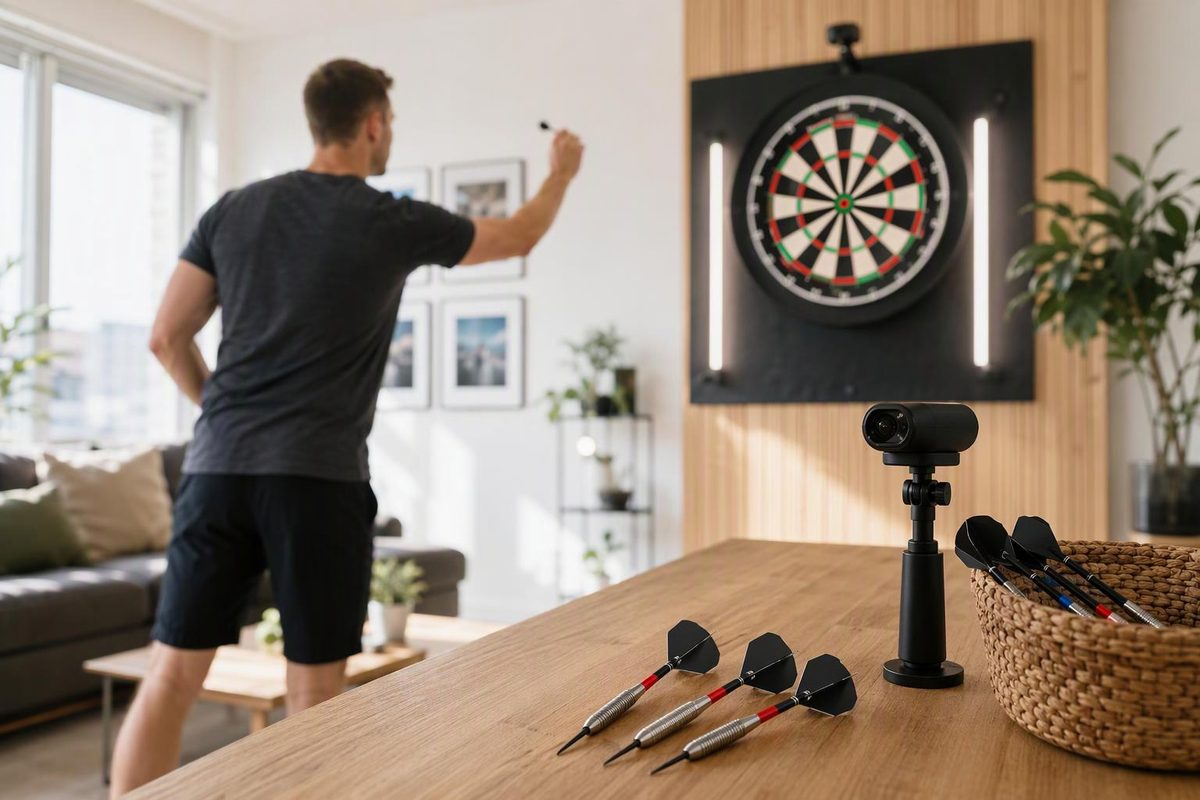
If Autodarts Lens misses or misreads a dart, correct the recorded score before accepting the visit. Keep genuine playing misses unchanged. Your saved history should reflect what landed in the board, not what the camera mistakenly registered or what you intended to hit.
Enter your audit totals and personal correction limit; the calculator will show whether to keep or repeat the test.
Lens Correction-Rate Check
Use counts from one unchanged camera setup. The limit is your own quality-control rule, not an Autodarts specification.
2 of 60 darts needed correction, above your personal maximum of 1.
Method: manually corrected darts ÷ darts thrown × 100. The 60-dart audit and 3.3% example use the figures in this article.
Winmau says Lens uses a compatible phone or tablet camera and lets players review and correct an incorrectly detected dart. Performance depends on the device, camera, operating system, positioning, lighting and playing environment, according to the Winmau Autodarts FAQ. Verification is therefore part of a useful practice session, not a reason to discard the entire session.
Correct Camera Errors, Not Throwing Errors
“Missed dart” can describe two different events:
- Detection error: The dart lands in one bed, but Lens records another value or fails to register it correctly.
- Playing miss: The dart genuinely lands somewhere other than the intended target.
Correct the detection error. Keep the playing miss.
If you aim at T20 but hit single 5, record 5. Changing it to 60 would turn your practice data into a record of your intentions. If the dart lands in T20 but Lens records single 20, changing 20 to 60 restores the result that occurred.
Before editing an unregistered dart, pause briefly to see whether detection catches up. Compare the displayed visit with the board, check any close wire call from beside the board and correct a remaining error before retrieving the darts.
This distinction matters more than whether Lens produced a score automatically. An accurate correction preserves the session. An incorrect automatic score does not.
Stabilise Lens Before Measuring Your Throw
Lens needs a clear, stable view of the full board. Winmau’s Lens setup guide directs players to follow the in-app framing guidance and provide the camera with a clear, stable view.
Use this setup order:
- Frame the complete board. Keep the entire doubles ring comfortably inside the image rather than against its edge.
- Fix the device in place. Winmau’s stand is optional, but whatever support you use should not creep or wobble as you throw and retrieve darts.
- Light the board evenly. Reduce strong shadows and glare; Winmau identifies suitable lighting as a factor in Lens performance.
- Complete the in-app framing guidance. Do not rely on a camera position that merely looks acceptable from the oche.
- Mark the setup. Tape marks for the support’s feet and a note of its height make the position easier to repeat.
Do not alter your throw to accommodate the camera. Position the device around the board while keeping your normal stance and action. A camera arrangement that changes your alignment or follow-through would make the resulting practice data less representative even if detection improved.
Run a 60-Dart Detection Check
Audit a new or changed setup before using its results as a benchmark. Repeat the audit after moving the device, changing its support or materially altering the lighting.
Prepare the Tally
Open a mode that records individual darts and prepare this tally:
| Measure | Tally |
|---|---|
| Darts thrown | 0 |
| Initially unregistered darts | 0 |
| Wrong beds or values | 0 |
| Darts requiring manual correction | 0 |
The categories serve different purposes. An initially unregistered dart that subsequently appears with the correct score belongs in the first error tally, but not in the manual-correction tally.
Throw and Verify 20 Visits
Throw 20 normal three-dart visits at your usual targets. After each visit:
- Read the three registered scores.
- Compare them with the darts in the board.
- Check close wire calls from beside the board before retrieval.
- Correct every known recording error.
- Update the tally.
The manual-correction rate equals manually corrected darts divided by darts thrown, multiplied by 100.
Two corrected darts in 60 produce a rate of 3.3%. This is a setup-monitoring figure, not a published accuracy rating for Lens. It describes that test under those conditions and should not be presented as a general Lens accuracy figure.
Apply a Consistent Checkpoint
A valid audit has two essential properties:
- Every known scoring error was corrected.
- The camera setup remained fixed for all 60 darts.
Choose a quality-control rule before testing. You might decide to reframe and repeat the audit when more than one dart in 60 needs correction. That is a personal threshold, not an Autodarts specification.
The threshold’s value comes from applying it consistently. Use the same rule whenever you judge whether a setup is dependable enough for a benchmark session. Changing the rule after seeing the result makes comparisons less useful.
Detection Errors Can Distort Several Statistics
Depending on scoring method and feature access, Autodarts can record averages, match history, checkout and doubles performance, heatmaps, rolling trends and game analysis, according to the Winmau Autodarts FAQ.
As of 30 September 2026, the published free plan includes averages and match history, while Plus includes advanced statistics and unlimited Lens use on the Autodarts plans page. Plans and feature access can change.
Detection errors affect different measures in different ways:
- Three-dart average: Recording T20 as single 20 removes 40 points from the visit.
- Checkout and doubles figures: An incorrect bed can turn a successful finish into a miss, or the reverse.
- Heatmaps: An incorrectly located dart can suggest a grouping pattern that was not present.
- Rolling trends: Repeated setup errors can create a false improvement or decline over time.
The public FAQ confirms that an incorrect score can be reviewed and corrected, but it does not explain how every correction affects stored location coordinates. If exact placement matters to your heatmap, inspect the corrected dart marker rather than assuming that fixing the score also repaired its location.
A corrected total can therefore be suitable for average tracking while a location-based chart still deserves inspection. Treat score accuracy and positional accuracy as related but separate checks when evaluating a session.
Log Camera Reliability Separately
Add one line to your normal practice record:
Lens manual corrections: __ / darts thrown: __
Record the sporting result separately—for example, three-dart average, doubles hit rate or completed checkout level. This keeps two questions apart:
- How well did I throw?
- How reliably did this setup record the session?
Compare sessions only when the recording conditions are reasonably similar. A change in framing, lighting or device position can alter detection performance without indicating any change in your throw.
For the playing part of the session, choose one repeatable test such as Bob’s 27, 121 or scored 501 legs from these measurable darts practice routines. Keep the routine, duration and Lens setup unchanged across comparison days.
The separate reliability figure also helps identify a misleading trend. If an apparent rise or fall in performance coincides with more manual corrections or a changed camera arrangement, verify the affected sessions before treating the trend as evidence about your game.
Persistent Errors Call for One Change at a Time
When Lens keeps missing or misreading darts, change one setup variable at a time:
- Reframe the entire board using the in-app guidance.
- Secure the phone or tablet more firmly.
- Reduce shadows or glare.
- Repeat the same 60-dart check.
- If errors remain disruptive, use manual scoring for benchmark sessions.
Changing framing, support and lighting together may improve detection, but it will not show which change solved the problem. A single-variable retest makes the setup easier to reproduce later.
Manual entry is an official Autodarts scoring option, so an accurate hand-entered session is more useful than unreliable automatic data. The final checkpoint is whether the saved session represents the darts that landed, not whether Lens scored every dart automatically.